Navigation bar
 is an easy way to navigate to other pages.Most of the sites are coding the
Navigation bar.Here Iam sharing an
easy way to make navigation Bar using blogger pages without using codes..
Navigation bar include pages like Home,Link to Us,About Us,Contact Us etc...So lets start to
make Navigation Bar without using codes.
Here iam creating two pages are, About us,Contact Us(You don't need to create the page 'Home' because its already created in every blog ). Follow the steps below to create Pages:
1.Login to your blog
2.Open posting >> edit pages >> New page
3.Create Pages as your wish.. Iam creating about us and contact us page
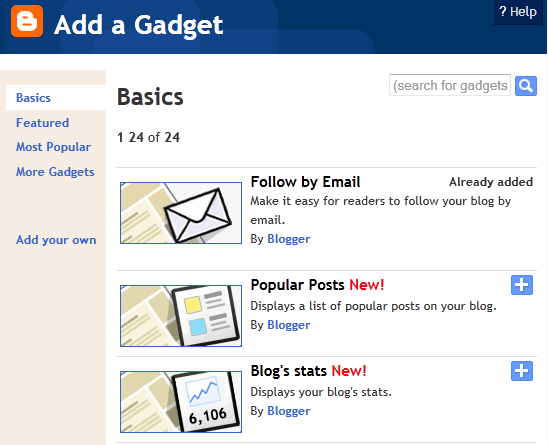
4.Then Go to Design >> page elements .. Add gadget under the header of your blog
5.Add Page to your blog..
5.Add the page and click save.( Make sure to tick all pages).
6.Now you are all done..Now view your Blog and you can see the
Navigation Bar..